Table of Contents
Why AI Tools Matter for WordPress Users
Running a WordPress or WooCommerce store in 2026 means you’re competing with thousands of other websites. The good news? AI tools have genuinely leveled the playing field. 😊
Whether you need help writing blog posts, answering customer questions, or researching keywords there’s an AI tool built exactly for that job. This guide walks you through 10 real picks, starting with the big three: ChatGPT, Gemini, and Grok.
1. ChatGPT – The All Rounder AI Writing Tool
What it does: ChatGPT is the most widely used AI assistant in the world. It writes blog posts, product descriptions, FAQs, WooCommerce emails, and even custom code snippets.
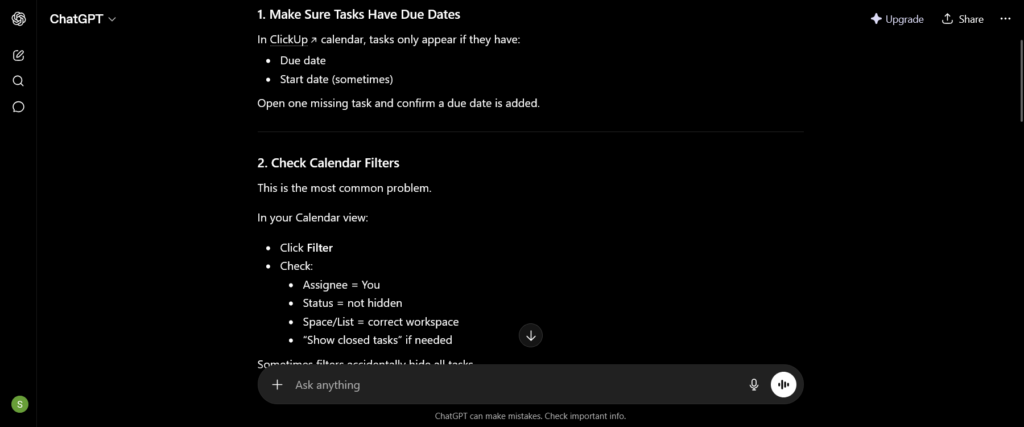
How to use it for WordPress:
- Visit chat.openai.com and sign up for free
- Type a detailed prompt like: “Write a 500-word intro for a WooCommerce abandoned cart blog post”
- Copy the output into your WordPress block editor
- Edit the tone, add your brand voice, and publish
💡 Pro tip: Use ChatGPT alongside the Rank Math SEO plugin to optimize your content before going live.
📌 Related: How to Make ChatGPT Recommend Your Website (With Rank Math)

Steps to use Gemini for WordPress:
- Go to gemini.google.com it’s free with a Google account
- Ask it to research a topic: “What are the top WooCommerce checkout mistakes in 2026?”
- Use its summary as the foundation for your blog post
- Paste into Google Docs first, then copy into WordPress
3. Grok – Real-Time AI with Live Web Access
What it does: Grok, built by xAI (Elon Musk’s company), is unique because it has real-time access to the web and X (Twitter). This makes it excellent for finding trending blog topics and current news.

How to use Grok for your blog:
- Access Grok at x.com (free for basic use) or via the Grok app
- Ask: “What are trending WordPress topics this week?”
- Use the trending ideas as blog post titles or social media hooks
- Combine with ChatGPT or Jasper to flesh out full posts
4. Claude – Deep Writing & Long-Form Tutorials
What it does: Claude (by Anthropic) excels at nuanced, long-form writing. It’s great for WordPress tutorial posts, how-to guides, and detailed WooCommerce walkthroughs like this one!
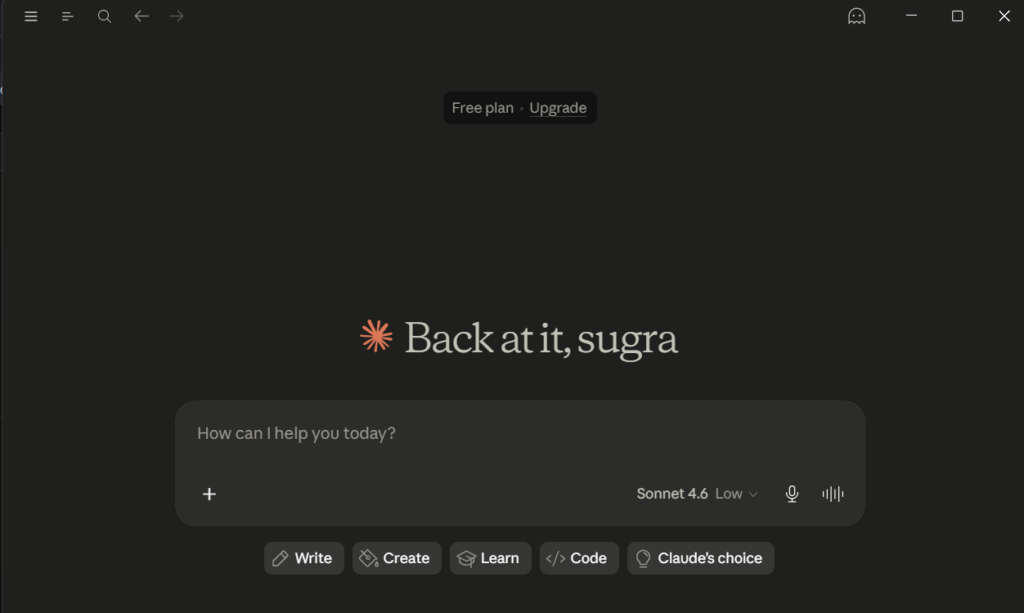
Why use Claude for WordPress tutorials:
- Handles complex, multi-step explanations clearly
- Produces well-structured, readable content
- Great for tone consistency across long posts
5. Microsoft Copilot – AI Inside Your Office Suite
What it does: Copilot integrates directly into Microsoft Word, Excel, and the Edge browser. It’s perfect if your WordPress workflow involves drafting content in Word before uploading.
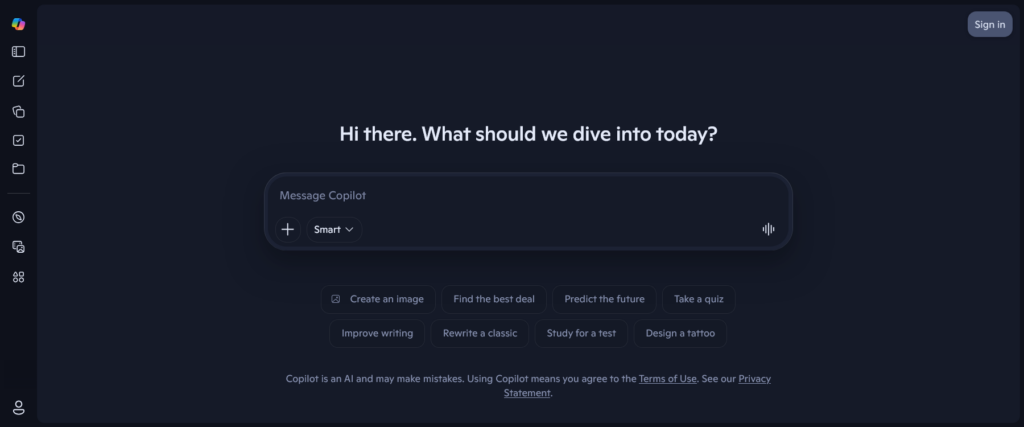
Steps:
- Open Microsoft Edge and enable Copilot from the sidebar (it’s free)
- Browse your competitor’s WordPress blog
- Ask Copilot: “Summarize this post and suggest 3 improvements”
- Use the feedback to write a better version
6. Perplexity AI – Smart Research with Citations
What it does: Perplexity is an AI-powered search engine that answers questions with cited sources so you always know where the information came from.
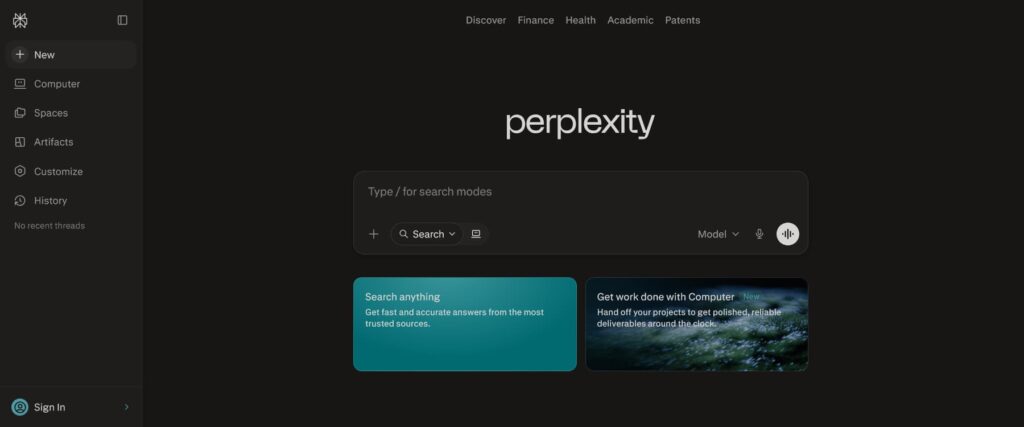
How to use it for blog research:
- Go to perplexity.ai free to use
- Enter your topic: “Latest WooCommerce payment gateway trends 2026”
- Read the answer with sources
- Use the sources as references in your blog post for added credibility
7. Jasper AI – SEO Content at Scale
What it does: Jasper is purpose-built for marketers. It generates keyword-optimized blog posts, product copy, and social media content faster than most alternatives.
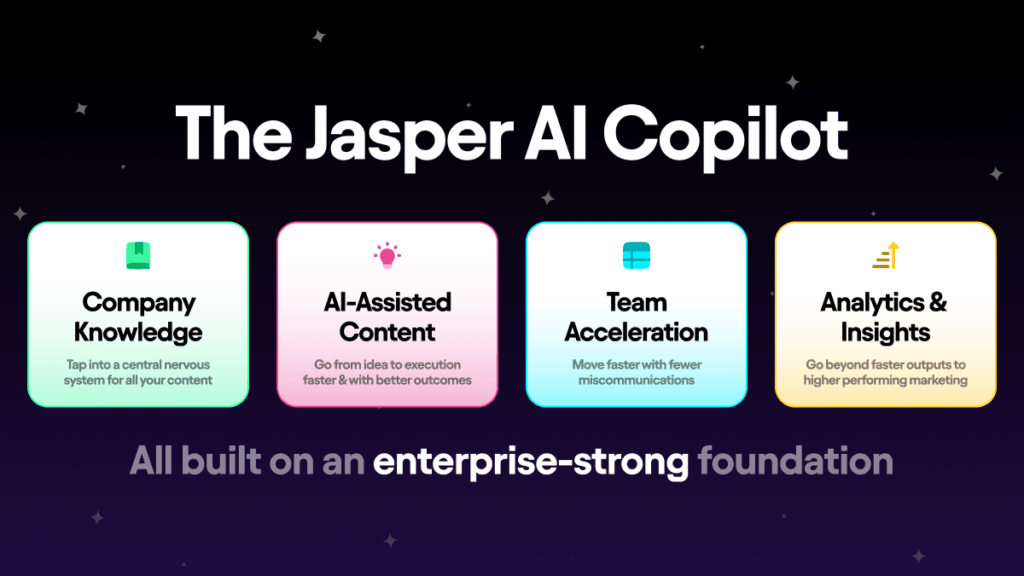
Steps:
- Sign up at jasper.ai (free trial available)
- Choose the “Blog Post Workflow” template
- Enter your primary keyword and target audience
- Generate and refine with Jasper’s editor
8. Canva AI – Beautiful Visuals in Seconds
What it does: Canva’s AI features include Magic Design, text-to-image, and AI background removal making it easy to create stunning featured images for your WordPress posts.
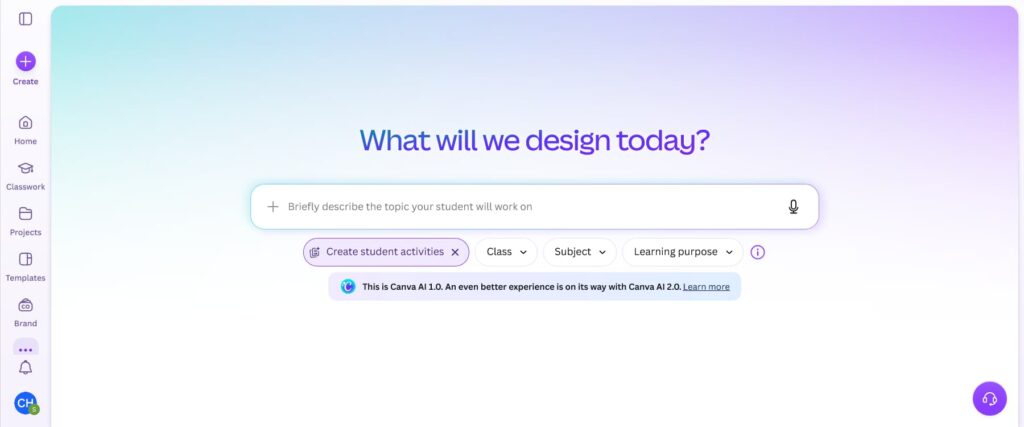
Steps for WordPress bloggers:
- Log into Canva and click “Create a Design”
- Use Magic Design describe your image in plain text
- Download the image and upload it to your WordPress Media Library
- Set as the featured image for your post
9. Tidio – AI Chatbots for WooCommerce Stores
What it does: Tidio adds an AI-powered chatbot to your WooCommerce store that answers customer questions, handles FAQs, and helps recover abandoned carts all automatically.
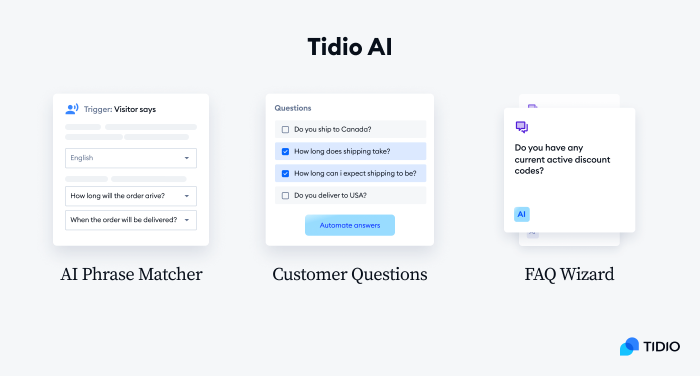
Setup steps:
- Install the Tidio Live Chat plugin from WordPress.org
- Connect your Tidio account after activation
- Build automated flows for cart recovery and product FAQs
- Enable the chat widget on your product and checkout pages
10. Synthesia – Turn Text into AI Tutorial Videos
What it does: Synthesia converts written scripts into professional AI avatar videos no camera or editing skills needed. Ideal for creating WordPress and WooCommerce tutorial videos for YouTube or your blog.
Steps:
- Sign up free at synthesia.io
- Choose an AI avatar and language
- Paste your blog post script into the editor
- Export the video and embed it in WordPress using a video block
FAQ
Q: Are all these AI tools free to use? Yes! ChatGPT, Gemini, Grok, Claude, Copilot, and Perplexity all have solid free tiers to get started with no credit card needed.
Q: Which AI tool is best for writing WordPress blog posts? ChatGPT and Claude are the strongest for long-form WordPress content. Jasper is the best if SEO optimization is your top priority.
Q: Can I use Gemini or Grok instead of ChatGPT? Absolutely! Gemini is great for research and Google Workspace integration. Grok is uniquely valuable for real-time trending topics. Many bloggers use all three for different tasks.
Q: Will Google penalize AI-written content? Not if the content is helpful, accurate, and well-edited. Always review and personalize AI output, add your own expertise, and use tools like Rank Math to optimize before publishing.
Q: Which AI tool is best for WooCommerce store owners specifically? Tidio for customer support, ChatGPT for product descriptions, and Perplexity for market research are the top three picks for WooCommerce-focused users.
Conclusion
You don’t need a huge team or budget to create great content and run a successful WooCommerce store. These 10 AI tools especially the power trio of ChatGPT, Gemini, and Grok give you everything you need to write faster, research smarter, and serve your customers better. 🚀
Start with the free tiers, experiment with a couple of tools, and you’ll quickly find your favourite workflow.
📌 Want more WordPress and WooCommerce tips? Explore more at 👉 tutsflow.com/category/wordpress/