
If your business data lives across a CRM, a cloud database, WooCommerce, and half a dozen SaaS tools, you already know the pain of keeping everything in sync. Data integration tools solve this by automatically moving, transforming, and cleaning data between systems, so you’re not exporting spreadsheets by hand every week.
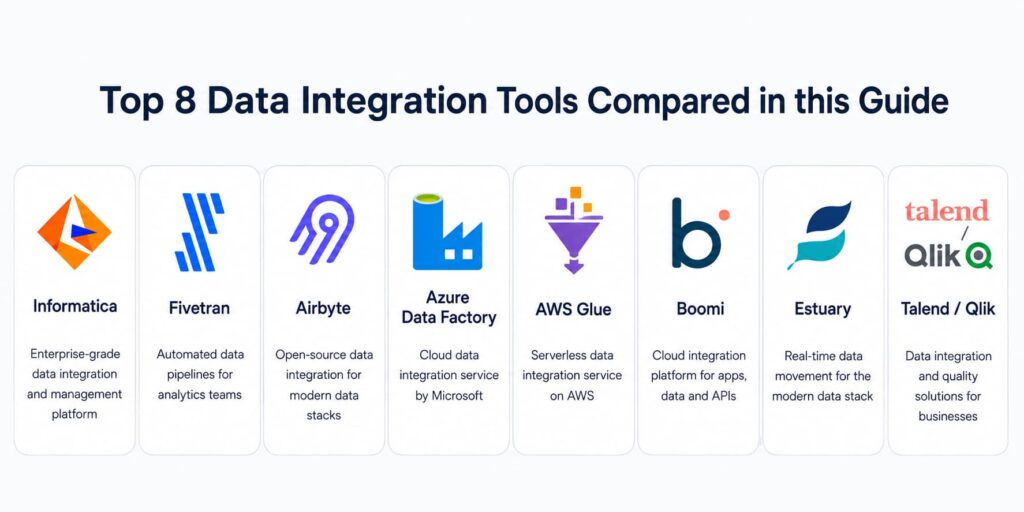
In this guide, we’ll compare the 8 best data integration tools in 2026, covering everything from enterprise data governance platforms to open-source and cloud-native options, so you can match the right tool to your team’s size, budget, and technical skill level.
Table of Contents
What Is a Data Integration Tool
A data integration tool connects multiple data sources apps, databases, cloud platforms, and files so information can move between them automatically instead of being manually exported and re-uploaded. This process usually involves ETL (Extract, Transform, Load) or ELT (Extract, Load, Transform), where data is pulled from a source, cleaned or reshaped, and delivered to a destination like a data warehouse, CRM, or dashboard.
For a growing business, this could mean syncing WooCommerce inventory with an ERP system, or feeding real-time order data into a business intelligence dashboard. For larger enterprises, it can mean orchestrating hundreds of data pipelines across cloud providers, on-premise systems, and third-party apps.
How to Choose the Right Data Integration Tool
Before comparing specific platforms, it helps to know what actually matters for your situation:
- Deployment model: Do you need a fully managed cloud service, or does your team want open-source flexibility with self-hosting?
- Cloud ecosystem fit: If you’re already deep in AWS, Azure, or another cloud provider, a native tool can save significant setup time.
- Governance and data quality: Regulated industries need cataloging, lineage tracking, and policy enforcement, not just data movement.
- Latency requirements: Some teams need real-time streaming; others are fine with hourly or daily batch syncs.
- Technical skill level: Low-code platforms suit business teams, while code-first tools give engineers more control.
- Pricing model: Costs can be based on data volume, active connectors, or compute usage, so estimate your scale before comparing sticker prices.
Keep these criteria in mind as you go through the list below.
The 8 Best Data Integration Tools in 2026
| Tool | Best For | Deployment | Skill Level | Real-Time Support |
| Informatica | Data quality & governance | Cloud (IDMC) | Advanced | Yes |
| Fivetran | Fully managed connectors | Cloud | Beginner Intermediate | Near real-time (CDC) |
| Airbyte | Open source extensibility | Self-hosted or cloud | Intermediate Advanced | Yes (CDC) |
| Azure Data Factory | Microsoft ecosystem | Cloud (Azure) | Intermediate | Batch-focused |
| AWS Glue | AWS ecosystem | Cloud (AWS), serverless | Intermediate | Batch-focused |
| Boomi | Low-code integration | Cloud / hybrid | Beginner Intermediate | Yes |
| Estuary | Inventory & supply chain data | Cloud, BYOC | Intermediate | Yes (streaming) |
| Talend / Qlik | All-in-one ETL | Cloud / hybrid | Beginner Intermediate | Yes |
1. Informatica – Best for Data Quality and Governance
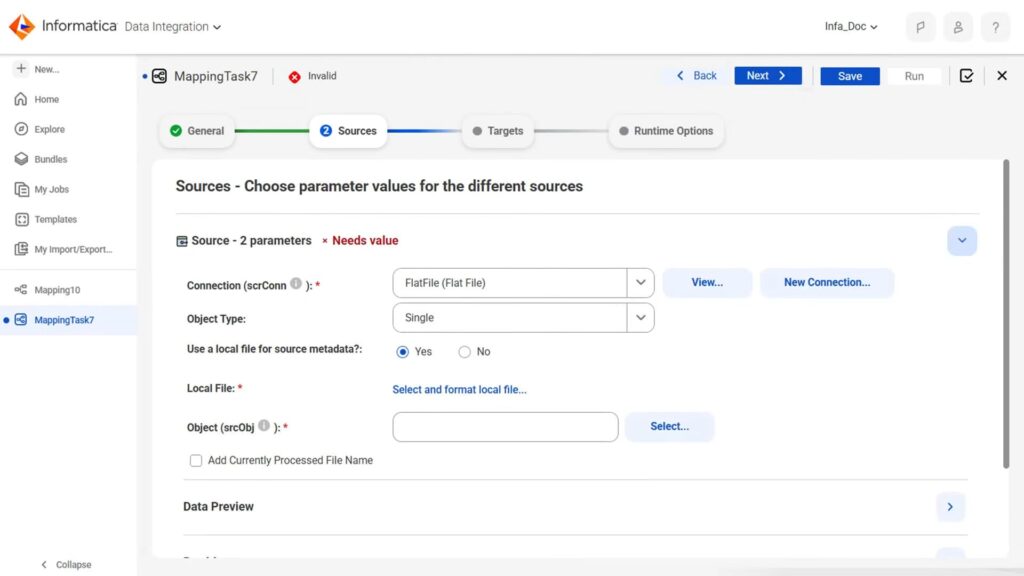
Informatica remains one of the most established names in enterprise data management, and its 2026 platform leans heavily into AI-assisted governance. <cite index=”10-1″>Informatica’s governance suite, powered by the CLAIRE AI engine, uses automation to enhance data cataloging, classification, and quality assurance.</cite> <cite index=”9-1″>The platform also provides enterprise data governance with advanced cataloging, lineage tracking, and policy enforcement that regulated industries require for compliance.</cite>
It’s a deep platform, so expect a learning curve, but for organizations that need airtight data quality and audit trails, it’s hard to beat.
Best for: Large enterprises with compliance-heavy data governance needs.
2. Fivetran – Best for Fully Managed Connectors
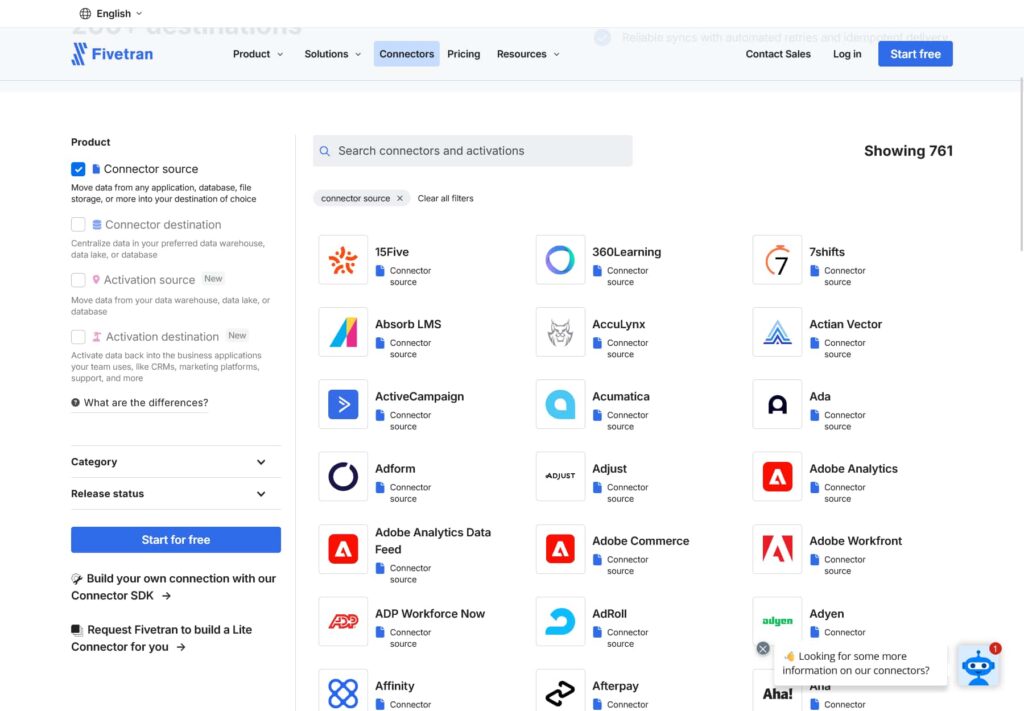
Fivetran is built around a simple promise: connect a source, and it handles the rest. <cite index=”7-1,7-2″>It’s known for extremely reliable “set it and forget it” ingestion with best-in-class connector coverage, and it handles CDC and schema changes with almost no manual effort.</cite> The trade-off is that transformations typically happen outside the platform, often paired with a tool like dbt.
Best for: Teams who want zero-maintenance, fully managed data pipelines.
3. Airbyte – Best for Open Source Extensibility
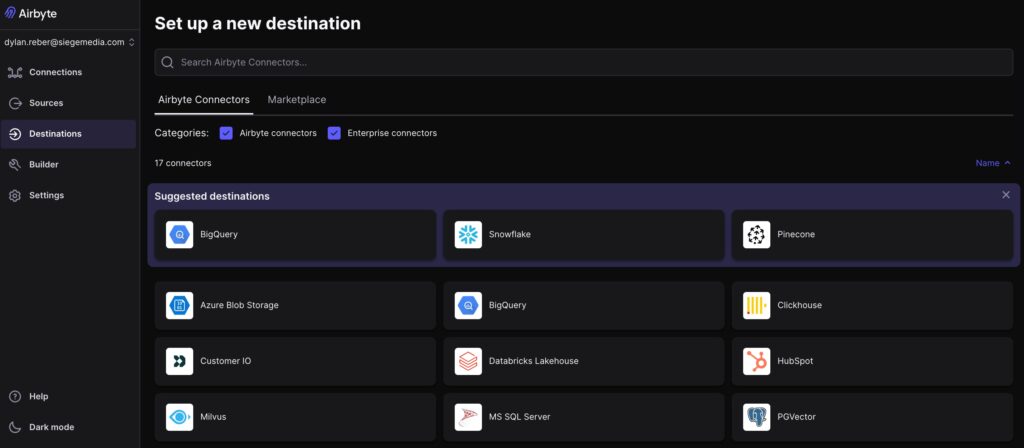
Airbyte has become the go-to open-source alternative for teams that want full control over their data stack. <cite index=”16-1″>It offers 600+ connectors through its open-source model, giving teams broad connector coverage across many common and long-tail sources.</cite> <cite index=”21-1″>It works well for teams with DevOps capacity, offering self-hosting via Docker or Kubernetes at no cost, though connector reliability can vary since community-maintained connectors don’t always meet enterprise-grade standards.</cite>
Best for: Technical teams that want self-hosting, custom connectors, and no vendor lock-in.
4. Azure Data Factory – Best for Microsoft Ecosystem Integration
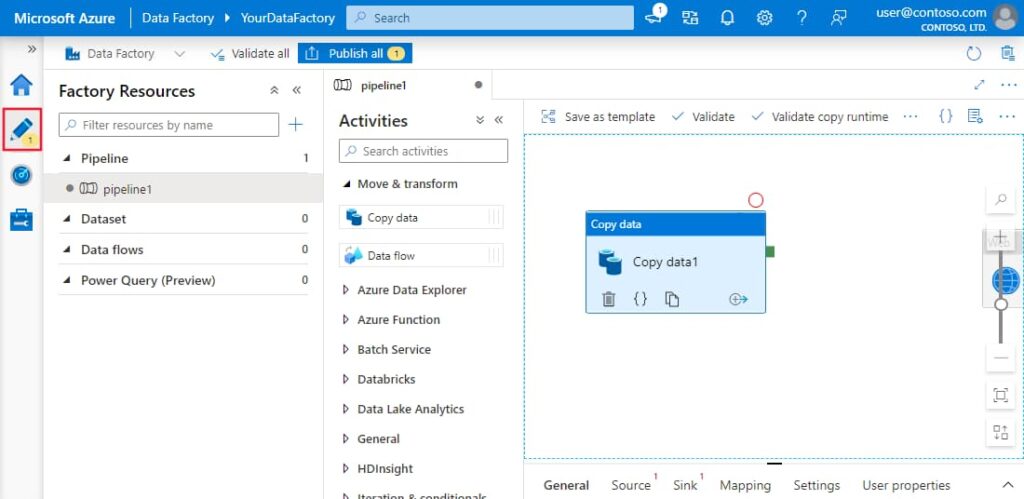
Azure Data Factory (ADF) is Microsoft’s cloud-native orchestration and ETL service, designed to work seamlessly with the rest of the Azure stack, including Synapse Analytics, Azure SQL, and Power BI. It offers a visual pipeline designer alongside code-first options, making it approachable for teams already standardized on Microsoft tools, while still supporting hybrid, on-premise data sources through self-hosted integration runtimes.
Best for: Businesses running primarily on Microsoft Azure and Power BI.
5. AWS Glue – Best for AWS Integration
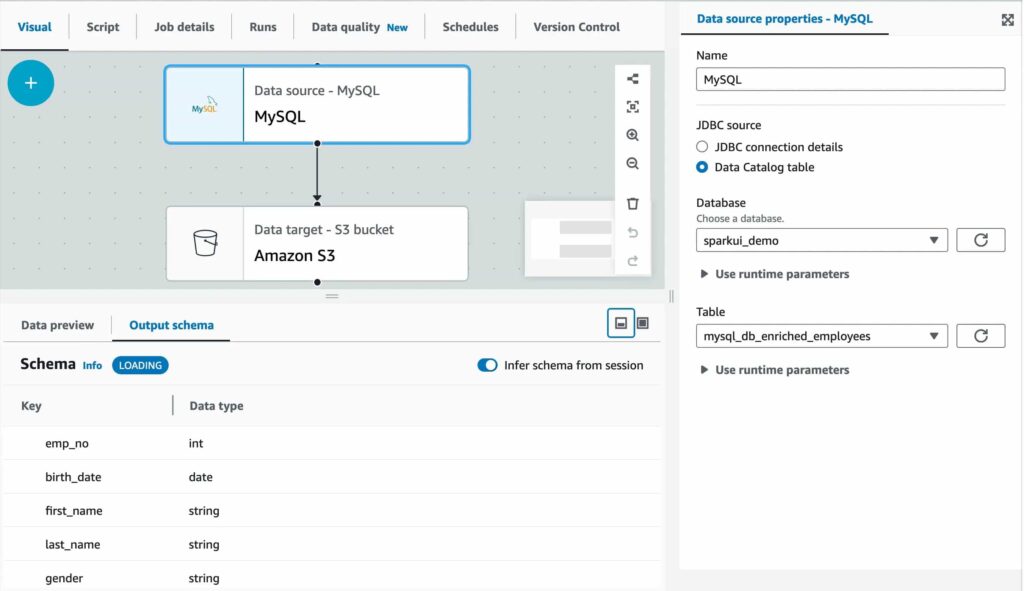
AWS Glue is Amazon’s serverless data integration service, tightly woven into the AWS ecosystem, including S3, Redshift, and Athena. It automatically discovers and catalogs data through its built-in crawler, generates ETL code, and scales compute resources without requiring you to manage servers. For teams already running infrastructure on AWS, it removes a lot of the operational overhead of building pipelines from scratch.
Best for: Teams building data pipelines natively within AWS.
6. Boomi – Best for Low-Code Integration
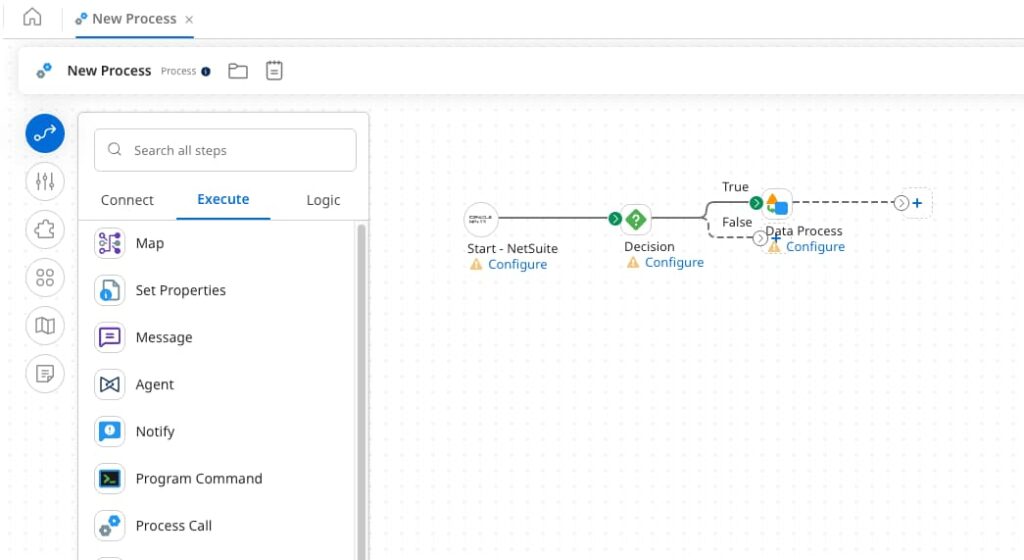
Boomi is a long-standing leader in the iPaaS (Integration Platform as a Service) category, and its 2026 platform continues to emphasize accessibility for non-developers. <cite index=”34-1″>Boomi’s intuitive UI provides drag-and-drop mapping tools, pre-built integration processes, reusable components, and a vast library of connectors, enabling teams to build simple to sophisticated integrations without coding.</cite> <cite index=”31-1″>As an iPaaS, it enables enterprise integration with a single platform for API management, workflow automation, and data governance.</cite>
Best for: Mid-market and enterprise teams that want low-code integration without sacrificing governance.
7. Estuary – Best for Inventory Management Systems
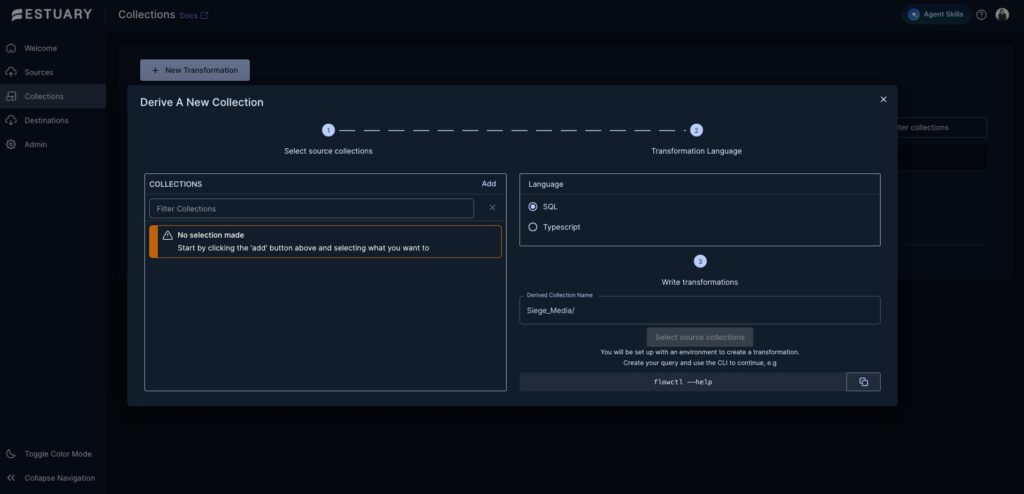
Estuary (formerly Estuary Flow) focuses on real-time and near-real-time data movement, which makes it especially useful for inventory and supply chain use cases where stale data leads to stockouts or overselling. <cite index=”25-1″>Supply chains often rely on up-to-date data to manage logistics, inventory, and demand forecasting, and Estuary’s low-latency capabilities allow supply chain managers to track real-time data from IoT devices, transportation systems, and warehouse management systems.</cite> <cite index=”29-1″>One enterprise customer noted that Estuary let them finally implement their ERP’s new data endpoint covering all inventory transactions, purchasing, and shipping data, with sync times that were much faster than before.</cite>
Best for: E-commerce and supply chain teams that need real-time inventory syncing.
8. Talend / Qlik Talend Cloud – Best All-in-One ETL Platform
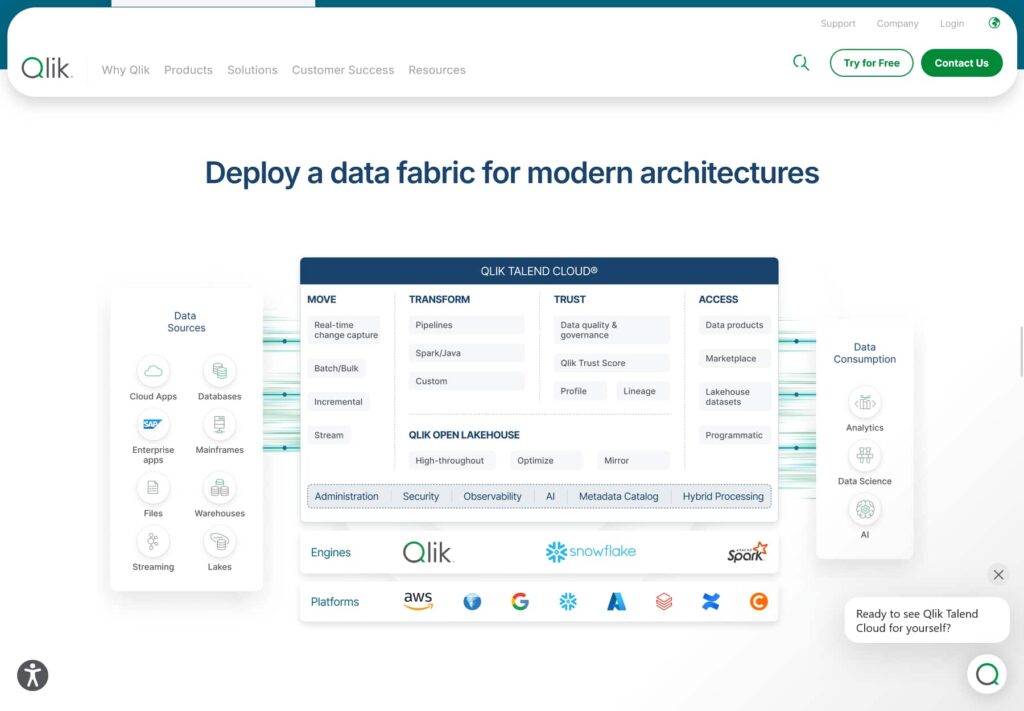
Rounding out the list, Talend (now part of Qlik) offers broad ETL coverage in a single platform. <cite index=”3-1″>It supports both real-time and batch processing, making it suitable for diverse data integration needs, and as a low-code solution it’s easier for non-technical team members to connect and deploy their own data sources.</cite> It’s a solid middle-ground option for teams that want integration and basic data management without going fully enterprise-scale like Informatica.
Best for: Teams that want one platform covering both integration and light data management.
Step-by-Step: Setting Up Your First Data Integration
Step 1: Identify your data sources. List every system that holds data you rely on, such as WooCommerce, a cloud database, or your accounting software.
Step 2: Define your destination. Decide where the data should land, whether that’s a data warehouse, a dashboard, or another business application.
Step 3: Choose your tool. Match your team’s technical skill level and infrastructure against the options above. If you’re on Azure, start with Azure Data Factory; if you’re on AWS, start with Glue; if you want full control, look at Airbyte.
Step 4: Map your fields. Match fields from your source, like “Order Total,” to the corresponding fields in your destination. This step is where most sync errors originate, so take your time.
Step 5: Set your sync frequency. Choose real-time streaming if timing is critical, such as inventory counts, or a scheduled batch sync for reporting use cases that can tolerate a delay.
Step 6: Test with a small batch. Run a small sample before syncing your full dataset to confirm everything arrives correctly formatted.
Step 7: Monitor and adjust. Check your integration regularly, especially after adding new fields or updating a connected app’s data structure.
If your integration includes a WooCommerce store, it’s worth tidying your product and order data first. Our guide on WooCommerce bulk cleanup and WooCommerce permalink settings can help make sure your store data is clean and consistent before it flows into any new integration tool.
FAQ
What’s the difference between ETL and ELT?
ETL (Extract, Transform, Load) transforms data before it reaches its destination, while ELT (Extract, Load, Transform) loads raw data first and transforms it afterward inside the destination system, usually a cloud warehouse. Most modern tools, including Fivetran and Airbyte, default to ELT.
Do I need an open-source tool like Airbyte, or a managed tool like Fivetran?
It depends on your team’s resources. Open-source tools like Airbyte give you more control and lower licensing costs but require engineering time for hosting and maintenance. Managed tools like Fivetran cost more but remove that operational burden.
Which tool is best if I’m already using AWS or Azure?
Stick with your cloud provider’s native tool where possible. AWS Glue integrates tightly with S3, Redshift, and Athena, while Azure Data Factory connects seamlessly with Synapse Analytics, Azure SQL, and Power BI, reducing setup complexity and often lowering costs.
Can these tools integrate with WooCommerce?
Many of them can, either through native connectors or via API-based custom connections. Boomi, Talend, and Estuary in particular support e-commerce and inventory-focused integrations that work well with WooCommerce order and product data.
Is real-time integration always necessary?
No. Real-time integration matters for use cases like inventory accuracy or fraud detection, where delays cause real problems. For reporting and analytics, scheduled batch syncs are often more stable and cost-effective.
Conclusion
There’s no single “best” data integration tool in 2026 the right choice depends on your governance needs, your existing cloud ecosystem, and how much operational overhead your team can handle. If data quality and compliance are non-negotiable, Informatica leads the pack. If you want a hands-off, fully managed experience, Fivetran is hard to beat. And if you’re deep in AWS or Azure, their native tools will almost always be the path of least resistance.
Start by mapping out your data sources and destinations, then match that map against the tools above. The goal isn’t to adopt the most powerful platform available, it’s to adopt the one that fits how your team actually works.