AI graphic design tools have moved well past simple filters and templates. In 2026, the market is full of platforms that generate original artwork, build brand kits, edit photos, and even turn rough sketches into usable layouts all from a text prompt. With so many options out there, it can be tricky to know which one actually fits your workflow.
This guide breaks down the best AI graphic design tools currently used by designers, how they compare on price and features, and which one makes sense depending on the kind of work you do.
Table of Contents
Why So Many Designers Use AI Tools Now
Recent industry surveys have found that a large majority of designers now use generative AI somewhere in their workflow, and most report it improves the quality of their final output, not just the speed of getting there. That shift explains why so many platforms from established creative suites to newer AI-first startups have added AI features over the past year or two.
The appeal isn’t that AI replaces design skill. It’s that it removes friction: faster concepting, quicker edits, and fewer hours spent on repetitive production work like resizing, background removal, or generating first-draft layouts.
Best AI Graphic Design Tools Compared
Here are the tools designers are actually using in 2026, based on current market usage and reviews:
- Canva Magic Studio
- Adobe Firefly
- Midjourney
- Figma (Figma Make)
- Kittl
- Freepik AI Suite
- Recraft
- Ideogram
- Khroma
Quick Comparison Table
| Tool | Best For | Standout Feature | Starting Price |
| Canva Magic Studio | Social media & marketing graphics | Magic Design (prompt-to-layout) | Free / $15/mo |
| Adobe Firefly | Photoshop & Illustrator users | Commercially safe generative fill | $9.99/mo |
| Midjourney | High-quality concept art & illustration | Strongest overall image quality | $10/mo |
| Figma (Figma Make) | UI/UX design & prototyping | Prompt-to-layout with production-ready code | $15/mo per editor |
| Kittl | Branding, logos & print design | AI generator paired with a full vector editor | Free / paid tiers |
| Freepik AI Suite | Designers who use stock assets | 200M+ stock assets plus multi-model AI generation | Free / paid tiers |
| Recraft | Vector-based design work | Native SVG output for scalable graphics | Free / paid tiers |
| Ideogram | Designs that need readable in-image text | Highest text accuracy of major generators | Free / paid tiers |
| Khroma | Color palette generation | Learns your color preferences over time | Free |
A Closer Look at Each Tool
Canva Magic Studio
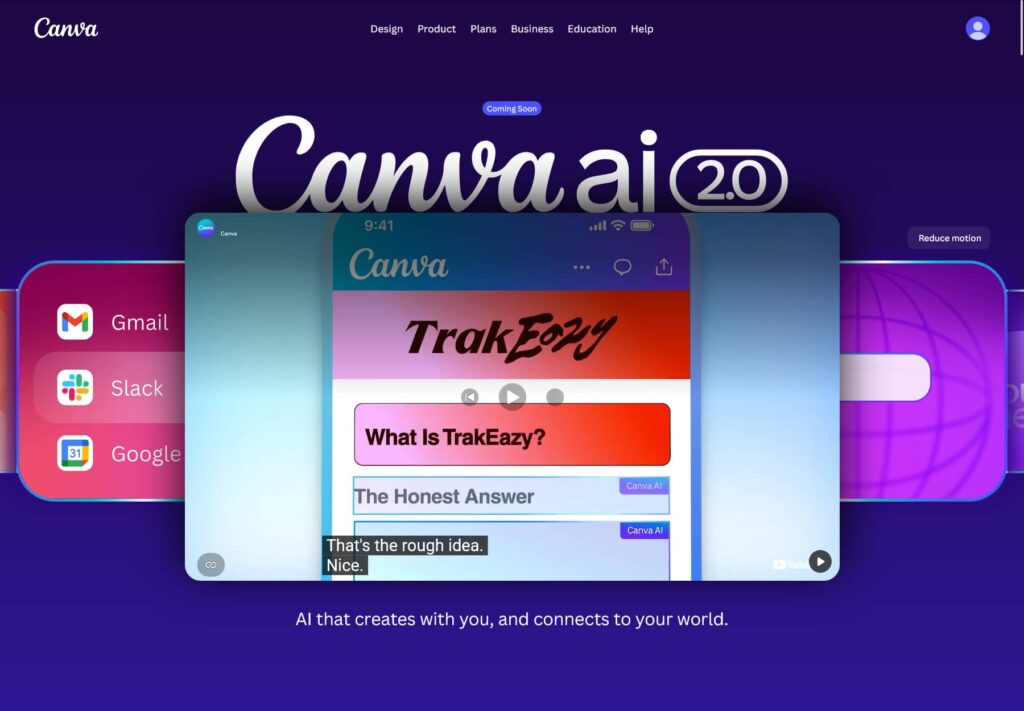
Canva remains one of the most widely used design platforms for non-designers, and its Magic Studio layer builds AI directly into that simplicity. Features like Magic Design generate a full layout from a prompt, while Magic Write helps with accompanying copy. It’s a solid fit for social posts, presentations, and email graphics where speed matters more than pixel-level control.
Adobe Firefly
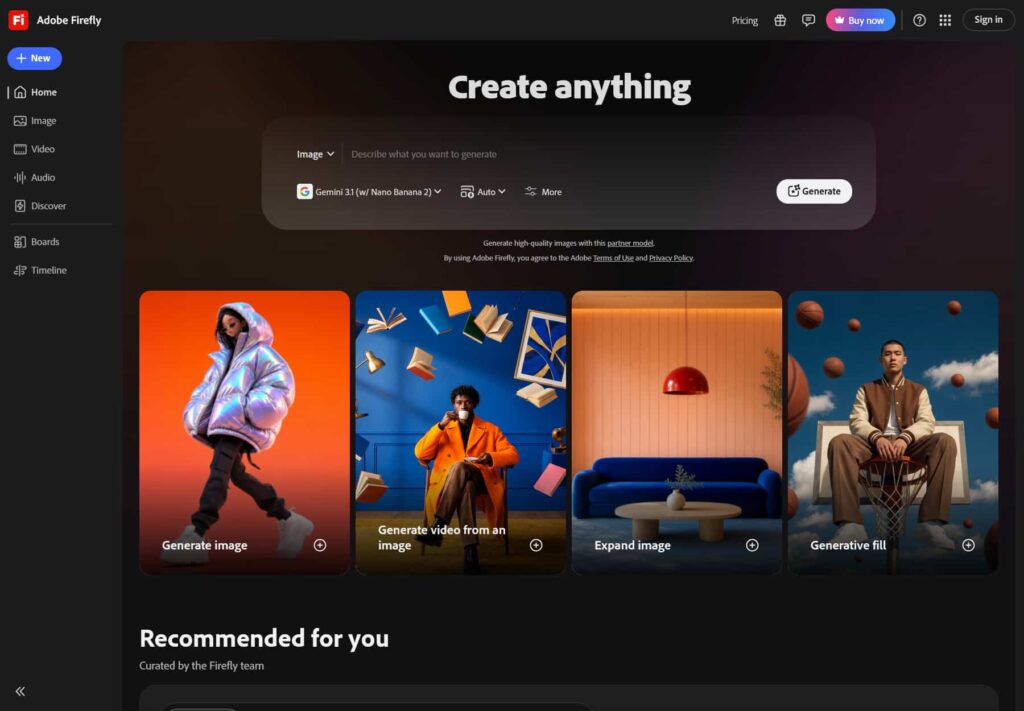
Firefly is built for designers already working inside Photoshop or Illustrator. Rather than replacing your existing workflow, it slots into it Generative Fill and Expand help fix framing or extend backgrounds, while Text to Vector Graphic gives a starting point for icons and shapes. Firefly is also known for producing commercially safer output, which matters for brand and campaign work where licensing clarity is important.
Midjourney
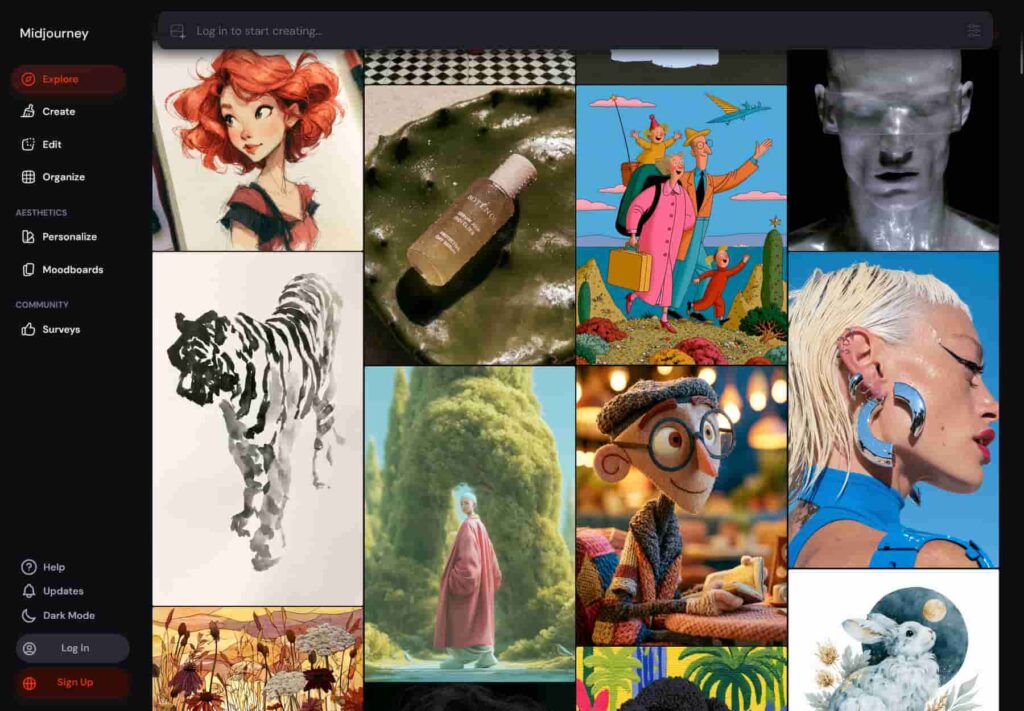
Midjourney is generally considered the strongest option for pure image quality and stylistic range, making it popular for concept art, mood boards, and illustration work. It’s less about production-ready layouts and more about exploring visual direction early in a project.
Figma (Figma Make)
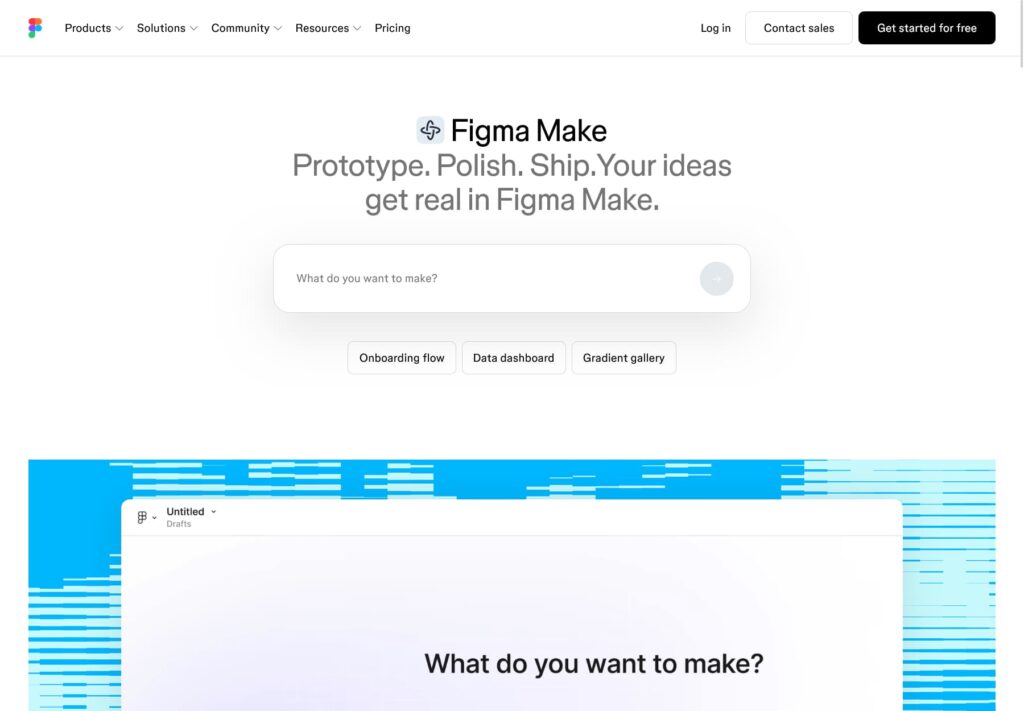
Figma has expanded from a UI/UX collaboration tool into a broader AI-assisted design platform. Figma Make lets designers turn a written prompt into functional layouts, components, and even usable code, which is especially useful for teams moving quickly from concept to developer handoff.
Kittl
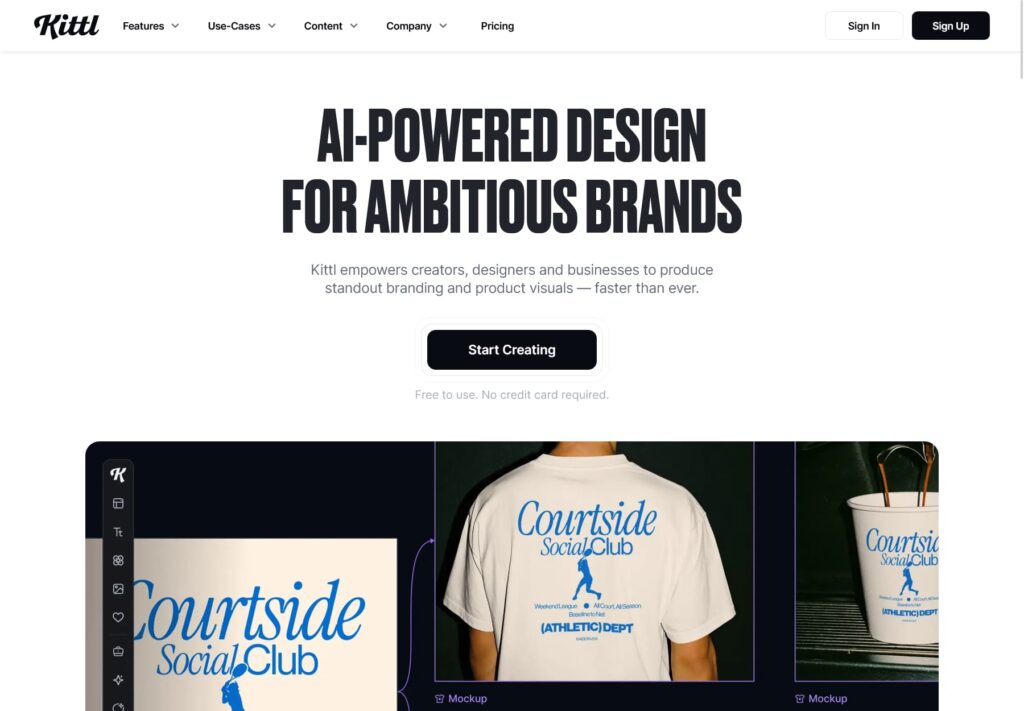
Kittl is aimed at designers who find template-based tools too generic. It combines an AI generator with a full vector editor, making it a strong choice for logo design, branded merchandise, and print-ready assets that need more refinement than a quick social graphic.
Freepik AI Suite
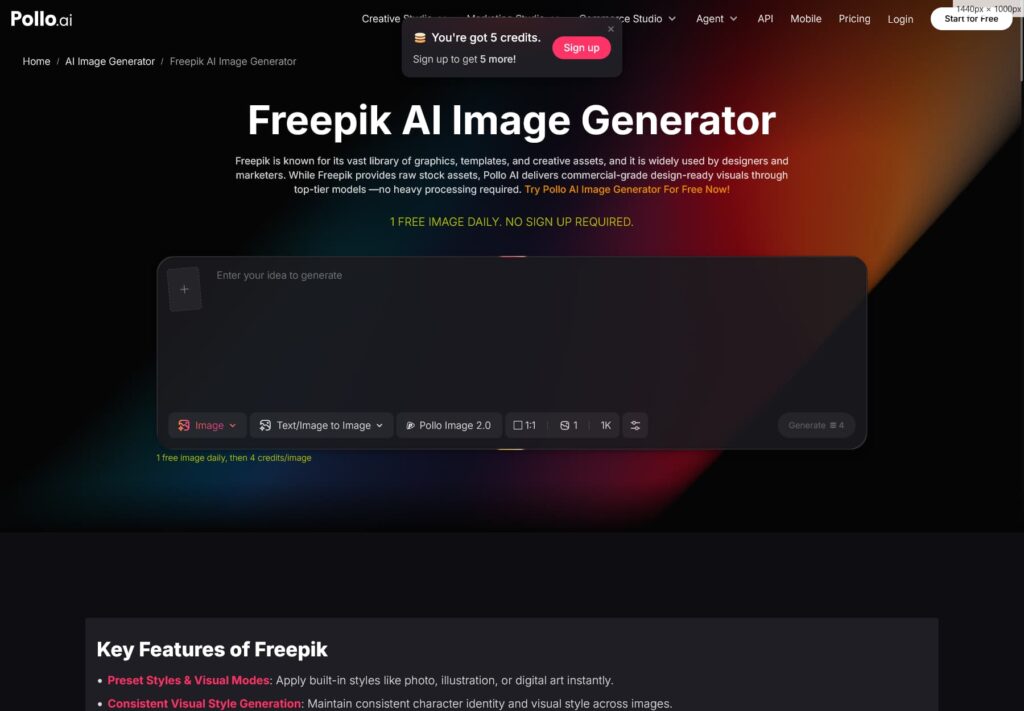
Freepik has grown from a stock asset library into a full AI creative suite, combining a large existing library of photos, vectors, and illustrations with AI generation powered by several different underlying models. This makes it useful for designers who want stock assets and AI-generated visuals in one place rather than switching between platforms.
Recraft
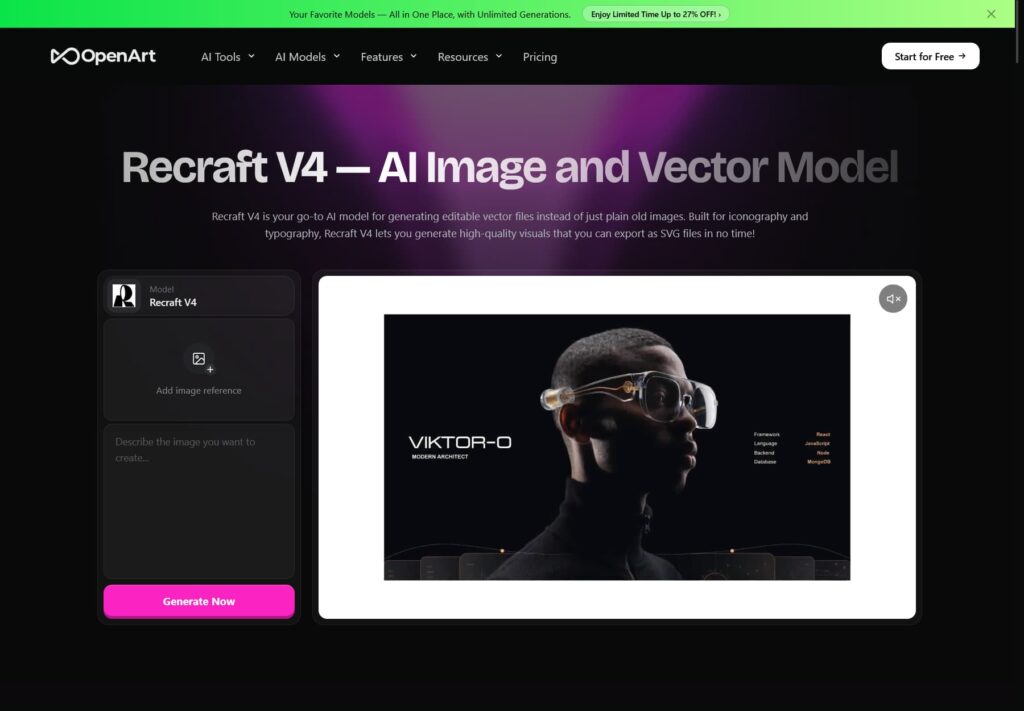
Recraft focuses on native vector (SVG) generation, which is a meaningful advantage for anything that needs to scale cleanly icons, logos, and illustrations used across multiple sizes and platforms.
Ideogram
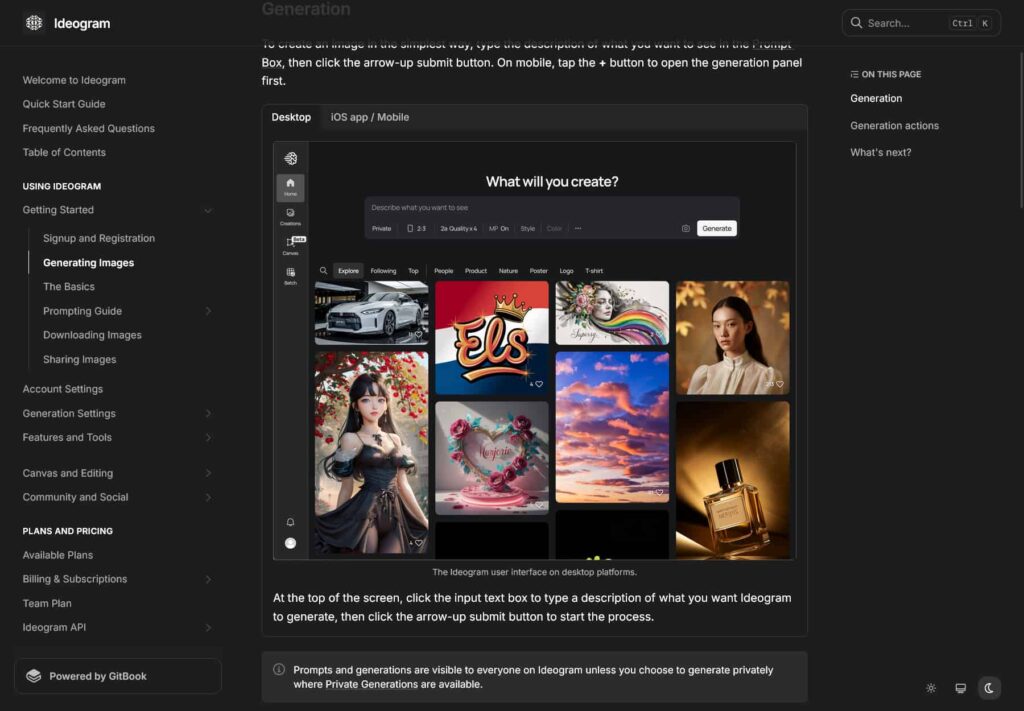
Ideogram stands out specifically for generating readable, accurate text within an image, which is historically one of the harder problems for AI image generators. It’s a strong pick when a design needs legible text baked directly into the artwork rather than added afterward.
Khroma
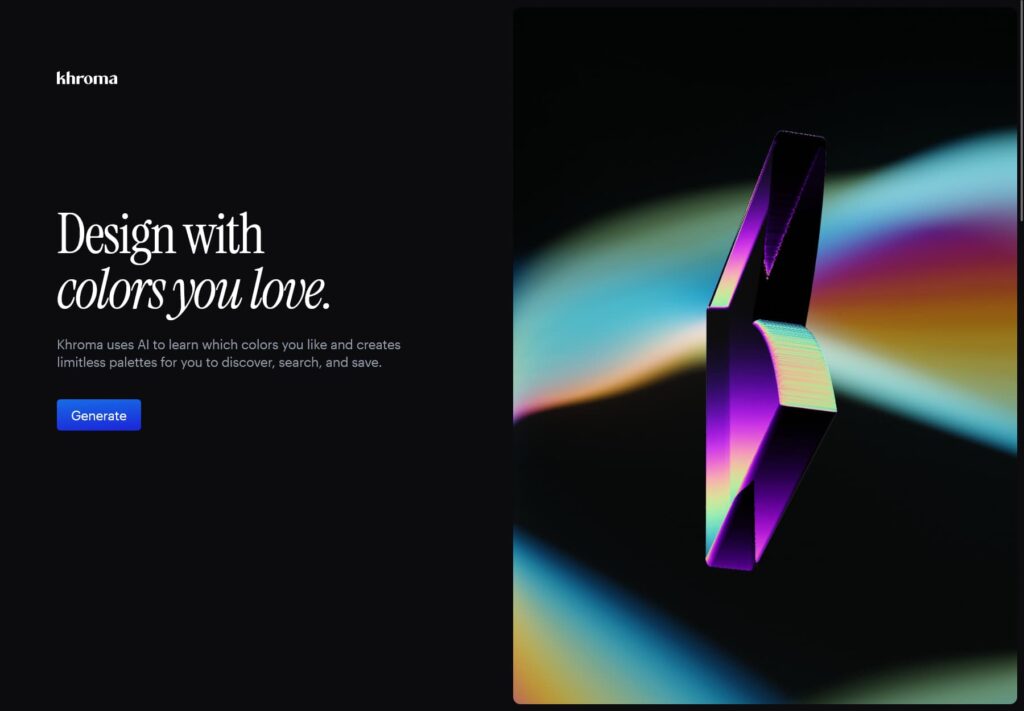
Khroma is a narrower tool focused entirely on color. It learns from colors you like and generates palettes based on that pattern, which is a helpful shortcut for designers building out a brand’s visual identity.
How to Choose the Right Tool for You
A simple way to narrow the list:
- Need fast social or marketing graphics? Canva Magic Studio.
- Already work inside Adobe’s ecosystem? Adobe Firefly.
- Want the highest quality concept art or illustrations? Midjourney.
- Designing UI, prototypes, or product interfaces? Figma Make.
- Building a logo or full brand kit? Kittl.
- Want stock assets and AI generation in one place? Freepik AI Suite.
- Need scalable vector output? Recraft.
- Need clean, readable text inside the design? Ideogram.
- Just need a solid color palette? Khroma.
Most designers end up combining two or three tools rather than relying on a single platform, since each one tends to specialize in a different part of the process.
Step-by-Step: Testing a Tool Before You Commit
- Start with the free tier. Nearly every tool on this list offers one, so there’s little reason to pay before testing.
- Bring a real project, not a random prompt. Test the tool against something you’re actually working on to see how it handles your specific style and requirements.
- Generate a few variations. Compare outputs side by side rather than settling for the first result.
- Check the export options. Confirm the tool exports in the file formats and sizes you actually need for web or print.
- Review the licensing terms. Before using any output commercially, confirm the tool’s policy on ownership and commercial use.
- Time yourself. Track how long a task takes with the tool versus your usual process this is the clearest sign of whether it’s actually saving you time.
Using AI Graphics on Your WordPress Site
Once you’ve generated a graphic, getting it onto your site properly matters just as much as the design itself:
- Compress images before uploading to avoid slowing down page load times.
- Use descriptive, keyword-relevant file names and alt text for better SEO.
- Keep consistent dimensions across similar content types, like blog headers or product images.
- If you manage a WooCommerce store, pairing AI-generated visuals with a well-organized product gallery can noticeably improve how professional your listings look.
For more on optimizing images and site structure, our guide on WordPress Block Patterns to improve SEO and performance is a useful next read. If you’re organizing a growing portfolio or design section, duplicating a WordPress menu can also help keep things structured as your site grows.
FAQ
What is the best AI graphic design tool overall?
There isn’t a single best tool it depends on the work. Canva Magic Studio is the easiest all-rounder, Midjourney leads on image quality, and Figma Make is strongest for UI/UX work.
Are these tools free to use?
Most offer a free tier with limited features or generations per month, with paid plans unlocking higher usage limits and commercial licensing.
Can I use AI-generated graphics for client work?
This depends on the specific tool’s licensing terms. Always confirm commercial usage rights before using AI-generated assets in paid client projects.
Do I need design experience to use these tools?
No, most are built to be approachable for beginners, though design experience helps you refine AI output into something more polished.
Is it better to use one tool or several?
Several, in most cases. Designers commonly combine a general tool like Canva with a specialized one like Kittl or Recraft depending on the task.
Conclusion
The AI graphic design space in 2026 isn’t about finding one tool that does everything it’s about matching the right tool to the right task. Canva and Freepik cover fast, everyday design needs. Firefly and Figma Make fit neatly into existing professional workflows. Midjourney, Ideogram, and Recraft each solve a more specific problem, whether that’s image quality, in-image text, or vector output. Start with the free tier of one or two tools that match your most common task, and expand from there as your needs grow.